Fix a Merchant Center Price Mismatch in WooCommerce
Trace a Google Merchant Center price mismatch from the submitted WooCommerce offer to its variation, currency, landing page, and checkout.
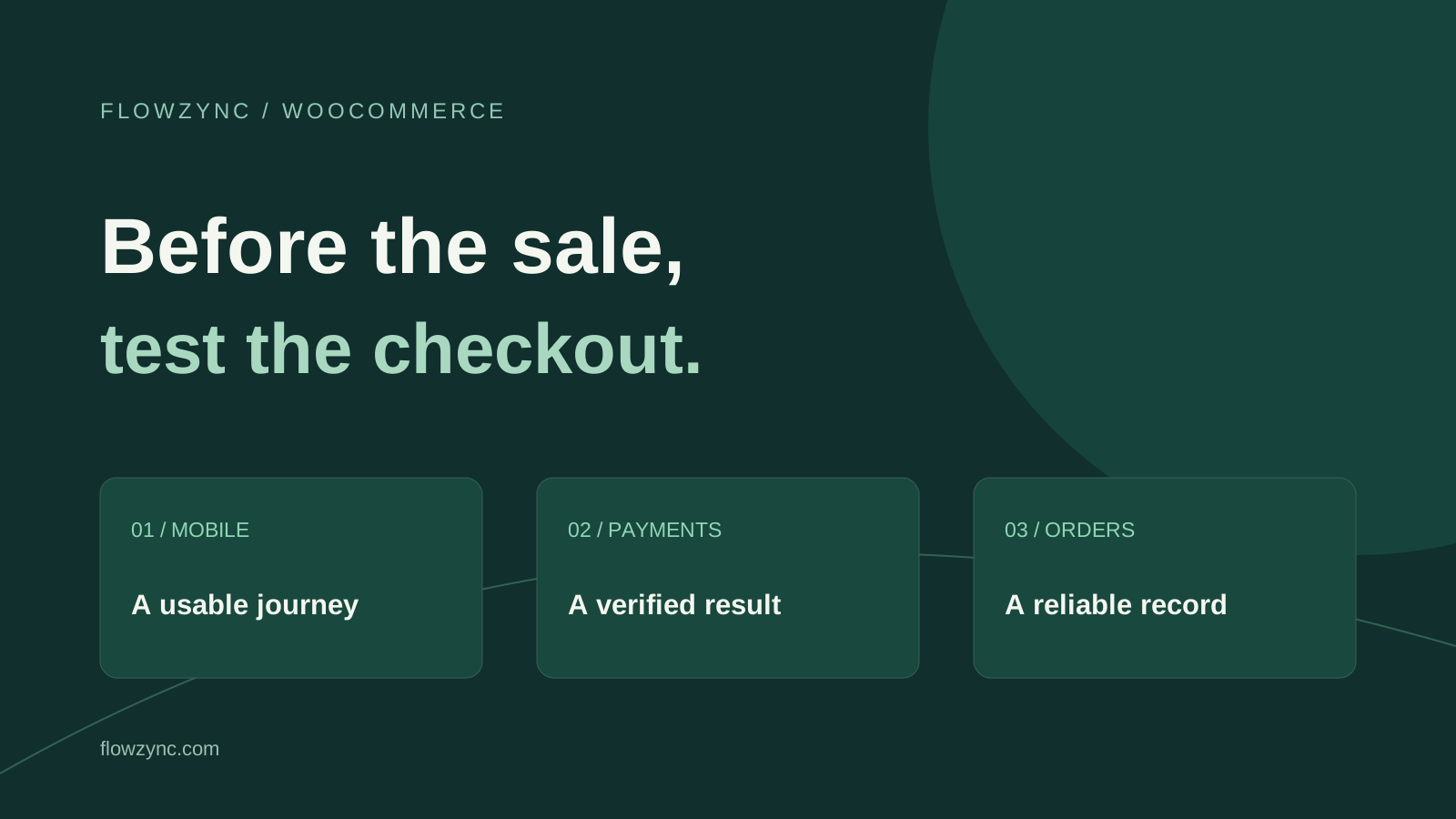
A WooCommerce Black Friday checklist should begin with a completed test order, not a bigger discount banner. Check the mobile buying journey, payment results, coupon rules, shipping charges and stock behaviour before sending more visitors to your store.
November is the time to turn a seasonal promotion into a tested customer journey. Recent Black Friday preparation coverage makes this a timely topic, but a busy shopping period does not guarantee demand for every store. Use the following checks to find practical problems and assign a fix to each one.
Choose one important product and one realistic customer journey. Open the campaign landing page on a phone, select a variation, add it to the cart and complete a controlled test. Record what happens at each step.
Do not test only as the store administrator. Existing logins, saved addresses and browser sessions can hide friction that a new customer will encounter. Include a fresh visitor and, if your store offers it, guest checkout.
WooCommerce's support team highlights performance and payment choice in its holiday preparation guidance. Treat that as a starting point for investigation, rather than a reason to install every suggested extension. Your store's actual failure points should decide the work.
Suggested fix: inspect the form while using it. Can a customer read the total, understand a validation error and reach the payment button when the keyboard is open? Does a sticky promotion overlap an essential field? Can someone change an incorrect address without starting again?
Ask a colleague unfamiliar with the store to attempt the same journey on their own device. Give them a task, such as buying a specific size, without explaining which buttons to press. Write down the point where they hesitate.
Fix observed problems first: confusing labels, overlapping elements, a missing shipping option or a payment area that never finishes loading. A cosmetic redesign is a separate decision from repairing a broken purchase step.
Suggested fix: check both sides of the transaction. On a staging copy, follow the official instructions for your payment gateway's test mode. Check the checkout result, gateway record, WooCommerce order status and expected notification.
WooPayments provides test payments and marks test orders separately. Its documentation warns against using live payments as routine tests because refunded live transactions can still leave fees. Other gateways have their own testing instructions; do not copy test settings between providers.
In addition to a successful test, consider how your store should respond when a payment fails or the customer returns from authentication. Make the next action clear and inspect whether an interrupted attempt creates a confusing duplicate order. Do not record real card details in your test notes.
Before the sale opens, confirm that the production gateway is in the intended live configuration. A successful staging test does not switch a live store out of test mode.
Suggested fix: create a written offer specification. Decide eligible products, variation exclusions, dates, time zone, minimum spend and whether offers can combine. Then test the advertised promise against the checkout total.
An illustrative test matrix might include a qualifying item, an excluded item, a mixed basket and a basket just below the minimum spend. If a coupon cannot apply, its explanation should help the customer understand why.
Show delivery costs and restrictions where shoppers can find them before the final payment step. A promotion that looks simple on the banner can become confusing when taxes, shipping or exclusions appear late. Have the person responsible for pricing approve the resulting totals.
Suggested fix: investigate performance across the journey. Compare a product page, cart and checkout under realistic conditions. Note the device, connection, time and symptoms so a developer can reproduce the problem.
WooCommerce uses session cookies to support cart behaviour. Ask your hosting provider or developer to review caching against WooCommerce's requirements; dynamic customer-specific content must not be served as a shared page. Test that two independent sessions retain separate baskets.
If more traffic is expected, agree any load test with the host and payment provider. Use staging and appropriate testing tools; do not send uncontrolled traffic at the live store or external payment services. For a baseline explanation, see website speed and SEO.
Suggested fix: review product-level stock settings and fulfilment capacity. Check sale products and their variations, not only the parent product. Confirm whether backorders are permitted and what customers will see when an item is unavailable.
WooCommerce documents product and inventory controls, but the correct policy depends on what your business can deliver. If stock also exists in another system, identify which system is authoritative and who investigates a sync failure.
For the sale, assign an owner to review unavailable items and customer-facing delivery promises. Do not keep advertising a dispatch date after fulfilment can no longer meet it.
Suggested fix: compare analytics with the order record. Use your test order to inspect whether the purchase event is sent as intended, whether it repeats after refreshing a confirmation page and whether the reported amount matches the agreed tracking specification.
Analytics and payment totals can differ because of consent, attribution, refunds, reporting delays and implementation choices. Investigate those differences before calling the campaign a success or failure. A missing analytics event does not prove that an order failed; the business records need checking separately.
Exclude identifiable test activity from business reporting where your tools support it. Keep customer data out of screenshots shared with external support teams.
The following is a suggested schedule, not a vendor requirement. Adjust it to your sale date and the time needed to fix problems.
| Preparation stage | Deliverable |
|---|---|
| Early November | Approved offers, named owners and a list of important customer journeys |
| After the first rehearsal | Fixed defects with a recorded retest result |
| Before promotion starts | Current backup, recovery plan and confirmed production payment settings |
| During the sale | A named contact for checkout, stock and fulfilment incidents |
| After the sale | Reconciled orders, refunds and campaign reporting |
Keep a short record of changes. Avoid unnecessary feature launches during the sale, while still responding promptly to essential security fixes and serious faults. If recovery becomes necessary, protect orders received after the backup; restoring an older database blindly can remove recent business activity.
A useful readiness note says which journeys passed, what remains unresolved and who can make the final launch decision. It does not need a fabricated “100% ready” score.
If a serious payment or stock issue remains, address it before increasing promotion. If the important journeys work, concentrate on clear offers and customer support rather than adding last-minute complexity.
For help resolving checkout issues or preparing a store, explore WooCommerce development and maintenance and support. Share the affected step and symptoms through the contact page. If a wider rebuild is needed, start with the free project brief.
Researched on 1 November 2026. This checklist combines official WooCommerce documentation with Flowzync's suggested test cases and planning guidance. It is not a claim that your store has been tested, that a particular plugin is required or that a sale will achieve a guaranteed revenue result. Payment options vary by provider and market.
Test the complete purchase journey on a phone: product selection, cart, coupon, shipping, payment and the resulting order. A fast homepage does not establish that checkout works.
WooPayments recommends test mode for test orders. Live payments can incur fees that are not returned when refunded. Use a separate staging environment and follow your gateway's official testing instructions.
Only if a clear need justifies it and there is time to test compatibility and recovery. Prefer fixing an observed checkout problem over adding a feature without evidence that customers need it.

Trace a Google Merchant Center price mismatch from the submitted WooCommerce offer to its variation, currency, landing page, and checkout.

Run a practical WooCommerce coupon test for sale items, minimum spend, stacking, and shipping before sending customers to checkout.

Prepare WooCommerce product pages for AI shopping with clearer descriptions, accurate variants, stock and delivery details, plus a practical product-data audit.
Everything we write about, we build daily. Book a free call and let's apply it to your project.
Tell us about your project