How Much Does a WordPress Website Cost in 2026?
Real numbers, what drives them up, and the three quotes you should walk away from. Written by someone who sends these quotes, so read it sceptically.
Open your homepage on a phone and hand it to someone who has never heard of your business. Ask them what you do, which example they would look at and where they would go to ask a question. Write down what they actually say. Resist the urge to explain the page while they are looking at it.
That short exercise gives you a starting point for a homepage audit. A visitor who understands the offer but cannot find the contact button needs a different fix from someone who never understood the offer in the first place.
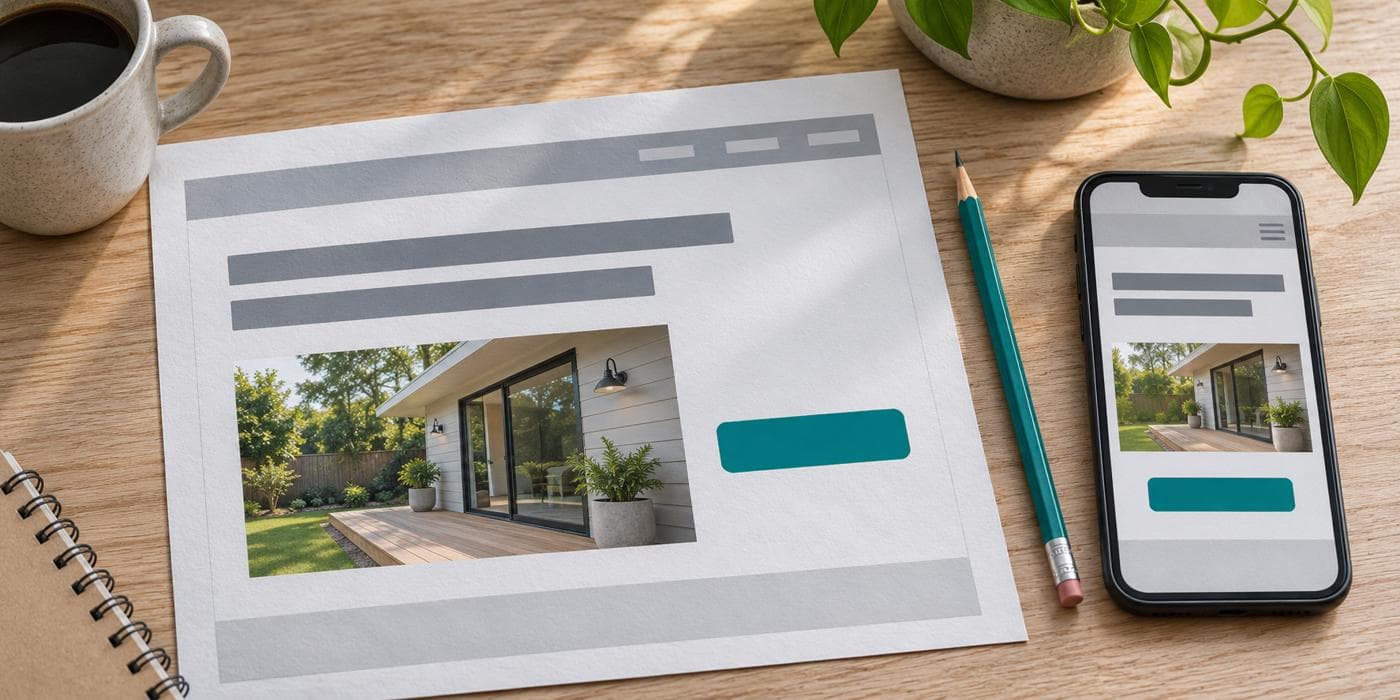
Cover image is an editorial illustration of a homepage review.
Imagine a local kitchen fitter whose homepage opens with “Make space for better living.” It may suit the brand, but a visitor still has to work out whether the company designs kitchens, supplies cabinets or handles installation.
“Kitchen design and installation in Bristol” answers those questions directly in this illustrative example. A supporting line can then explain whether the service includes removing the old kitchen, coordinating trades or fitting units the customer has already purchased. Use only the details the business can stand behind.
Read the headline and first sentence without the photographs. If the offer still makes sense, the image can do its own job of showing the work. W3C’s cognitive accessibility guidance recommends making the purpose of a page clear through cues such as descriptive headings.
A gallery can show the finish of a project. A short explanation helps a prospective client understand whether the work is relevant to them.
Choose one project that resembles the enquiries you want to receive. Describe the customer’s starting point, what your team delivered and the constraints you worked within. A kitchen installation completed in an occupied home raises different questions from one in a new build. A website built around an appointment calendar has different requirements from an online shop.
Use permissioned photographs and customer comments. If you have measured outcomes, explain the period and the measure. If you do not have those figures, describe the scope of the work in concrete terms. A buyer can learn plenty from seeing what was delivered.
Use the button a visitor is most likely to choose. “Request an installation quote” sets a clearer expectation than “Get started” when the destination is a quote form. The label and destination should agree. A booking button should open the relevant calendar, and a quote button should lead to a way to request a quote.
On your phone, check that form labels stay visible while you type, required fields are clear and an error tells you how to correct it. Complete a test enquiry using your own test details. Check the confirmation on the page and verify where the submission arrived. Give the team a way to identify the test so nobody mistakes it for a customer request.
If the page confirms submission but nobody receives the message, work through the contact form troubleshooting guide.
| What the visitor does | What to review first |
|---|---|
| Describes the wrong service | Rewrite the opening headline and supporting sentence. |
| Understands the offer but asks if you do their kind of work | Add a relevant project and explain its scope. |
| Scrolls past the contact option | Make the primary action easier to spot and name it clearly. |
| Starts a form and gets stuck | Check the fields, instructions and error messages on a phone. |
| Completes the form but no record reaches the team | Trace delivery from the submission to the inbox or CRM. |
Make one change you can explain and repeat the same task with another person. Record what changed and what still caused hesitation. If you track enquiries, compare meaningful outcomes such as completed submissions and enquiries that match your service. A small set of observations can guide your next edit without telling you how every visitor will behave.
If the findings point to a wider rebuild, use the free website project brief to capture the problem before choosing a layout. You can also explore custom website design or share the page with Flowzync.
The audit sequence and examples are editorial recommendations for service businesses. The kitchen fitter is hypothetical.
Check whether a first-time visitor can explain what you offer, find an example of your work and identify how to enquire.
Start with the specific obstacle you observe. A clearer headline, a relevant project link or a repaired form may be enough to solve it.

Real numbers, what drives them up, and the three quotes you should walk away from. Written by someone who sends these quotes, so read it sceptically.

How to tell whether your website needs a coat of paint or a proper rebuild — and how to decide without wasting budget.

Not a scam, but not what most people think they're buying. A plain breakdown of what a budget website includes, excludes, and costs you later.
Everything we write about, we build daily. Book a free call and let's apply it to your project.
Tell us about your project