5 GoHighLevel Funnel Mistakes That Quietly Lose Leads
The most common GHL funnel mistakes we find in audits — and the simple fixes that stop leads slipping through.
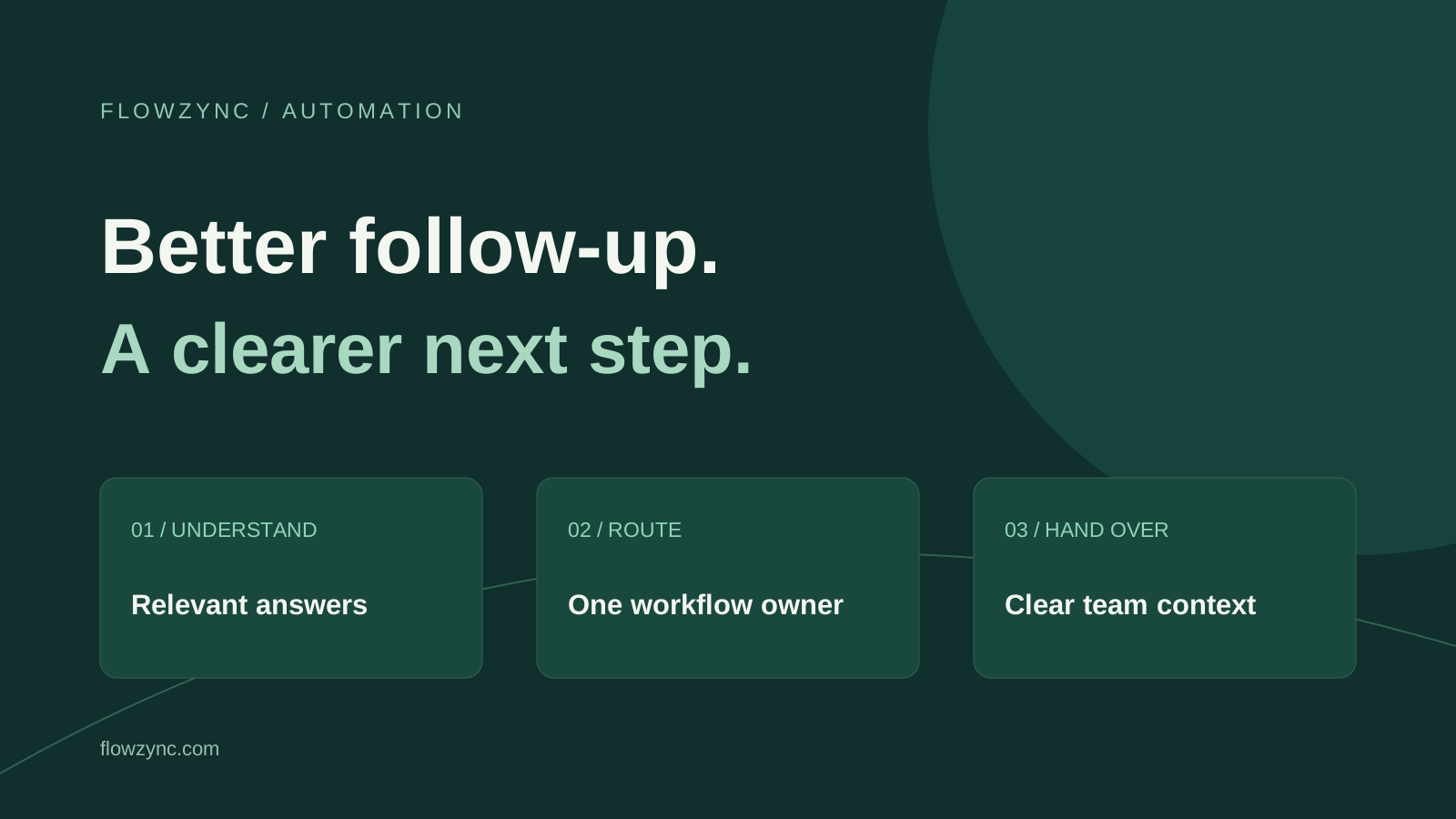
A useful GoHighLevel AI lead follow-up workflow answers the customer's actual question, records the outcome and gives the right person a clear next action. Start with one enquiry source, approved service information and a reliable handoff. Adding more automated messages cannot repair an unclear process.
HighLevel's 27 October 2026 LevelUp announcement puts managed agents, connected workflows and richer conversations in focus. For a small business, the useful question is practical: which part of the enquiry journey needs attention first? This guide explains a suggested implementation approach, rather than promising that enabling a feature will generate sales.
HighLevel's October announcement describes inbound webhook triggers for managed agents, scheduled waits and interactive chat buttons. Availability can depend on the feature, account and rollout; check your own account before planning a client delivery around a specific capability.
Separately, HighLevel documents an AI Agent workflow action with CRM context, configurable tools and structured output. These are distinct building blocks. A conversation agent, a managed agent and a conventional workflow should not be treated as interchangeable settings.
The setup below is Flowzync's recommended planning pattern. It is not a claim that these features were tested on your account or that every business needs an autonomous agent.
A visitor asking about a WordPress redesign needs a different response from someone asking to reschedule a call. A long welcome paragraph followed by the same contact link makes the visitor repeat work.
Suggested fix: separate the enquiry into a small number of useful paths. For a web agency, these might be a new website, an online store, a funnel, an automation project or an existing-project question. Ask one clarifying question when the service is unclear.
For example, an illustrative response to “Can you connect my website form to my CRM?” could be:
Yes, the team can discuss form-to-CRM automation. Which website platform and CRM do you currently use?
That reply acknowledges the request and collects a useful missing detail. It does not invent a fixed quote, promise compatibility before investigation or force the visitor through unrelated service pages.
Suggested fix: create an approved answer sheet before writing a longer prompt. Include current services, relevant page URLs, confirmed business facts, working arrangements and the conditions that require a person to review the request.
Give each information type an owner. A service owner can approve scope descriptions; the person handling enquiries can approve the handoff wording. When a price depends on requirements, the approved response should explain what needs clarification rather than create a number.
Keep the initial answer short. A relevant service summary, one useful link and one question are usually easier to act on than a catalogue of every service. For an undefined request, offer a small choice instead of guessing.
Our free website and automation project brief can help organise requirements once the visitor is ready to describe the project in more detail.
Duplicate follow-ups can happen when a form workflow, a chat agent and a campaign all believe they own the next message. A retry from an integration can also look like a fresh enquiry if the process does not distinguish the two.
Suggested fix: define one owner for each outbound response. Before publishing, draw up a simple record of the trigger, contact, enquiry identifier, workflow owner and completion state. Where the integration supports it, use a stable event identifier to recognise repeated deliveries.
Test a duplicate submission deliberately. The expected result should be explicit: update or flag the existing enquiry, without restarting an entire message sequence. A contact can still have two genuine projects, so do not suppress all future enquiries merely because the email address already exists.
A reminder that ignores a booked appointment or a request to stop can undo an otherwise helpful conversation.
Suggested fix: check the current state before each scheduled action. Your design should consider a customer reply, an appointment, a human takeover, an opt-out and a closed enquiry. Decide which event pauses the sequence and which ends it.
For a first implementation, use AI to draft a response or summarise the request for the team. Keep clearly defined status checks in ordinary workflow logic. Only expand autonomous actions after the team can inspect the results and correct failures.
Channel permissions, opt-outs, platform rules and applicable messaging requirements still apply. A phone number in the CRM is not, by itself, a reason to start a marketing sequence.
Suggested fix: pass a concise, factual summary to the person taking over. A useful handoff contains the requested service, current platform, main problem, details already supplied and the next unresolved question. Keep the customer's wording available when the summary is uncertain.
| Situation | Suggested next action |
|---|---|
| Straightforward service question | Answer from approved information and offer the relevant page |
| Missing technical detail | Ask one focused question |
| Bespoke price or deadline | Capture the requirements for team review |
| Complaint or unclear account issue | Route to a person rather than guess |
| Explicit human request | Pause automated replies and identify the handoff owner |
These are suggested operating rules, not automatic behaviour that every HighLevel account has out of the box.
Before enabling real customer messages, use your own test contacts and controlled channels. Check that a trial cannot reach your production audience unintentionally.
Record the expected result beside each test. “The agent replied” is weaker evidence than “the correct owner received the enquiry and the follow-up stopped.”
Track how many genuine enquiries reach a person, how long that handoff takes and whether the next step is completed. Review examples of wrong answers and abandoned conversations alongside the totals. A higher message count can mean the system is repeating itself, rather than helping more people.
If the enquiry process itself needs rebuilding, explore business automation services, GoHighLevel CRM setup and GHL funnel building. You can contact Flowzync with the platforms involved and the part of the journey that is failing.
Prepared for the 31 October 2026 edition and researched/updated on 1 November 2026. The platform facts below come from HighLevel; the examples, test plan and implementation recommendations are Flowzync's editorial guidance. No conversion uplift or account-specific feature availability is claimed.
It combines CRM records, workflow rules and an AI agent to interpret an enquiry and support the next step. A useful setup has approved business information, clear permissions, a stopping rule and a human handoff.
Check whether more than one workflow or channel is responding, whether the same event can enrol a contact again, and whether retries are being treated as new enquiries. Give one workflow ownership of each response.
No. Fixed confirmations and clear operational rules often work better as standard workflow steps. Use AI where interpreting a relevant free-text question adds value, with a human fallback for uncertainty.

The most common GHL funnel mistakes we find in audits — and the simple fixes that stop leads slipping through.

One is built for agencies and local service businesses, the other for structured sales teams. Picking on price is how people end up switching twice.

Set special hours on Google Business Profile and coordinate your website, booking calendar, and voicemail before a holiday closure.
Everything we write about, we build daily. Book a free call and let's apply it to your project.
Tell us about your project