Your Website Gets Seen in AI Search. Is It Bringing You Customers?
Build a practical website reporting dashboard that separates AI citations, search rankings, traffic and qualified leads—without confusing visibility with sales.
Bing’s new Topics Portfolio report can help you plan content around the questions where your website already has some AI visibility. For a small business, the useful question is whether those topics connect to the customers and services you actually want—not how many loosely related queries you can target.
Microsoft announced Topics Portfolio on 13 October 2026. This guide, published on 27 October, explains the update and suggests a practical way to use it. It is not a claim that every business will have access or that using the report guarantees citations.
Topics Portfolio is a beta view inside AI Performance. It groups grounding queries into broader themes and includes opportunity queries where other websites appear but yours does not. Microsoft describes the figures as approximate, with AI-generated classifications and limited visibility when there is insufficient activity.
That means a missing report or a short list needs context. A new website with limited search presence should first check whether its important pages can be discovered, crawled and indexed. Publishing unrelated articles to fill a report is unlikely to help a visitor deciding whether to hire you.
Bing’s AI Performance documentation describes citation activity, cited pages and sampled grounding queries. Those measures describe references to your content. They do not establish a page’s ranking, importance or commercial value.
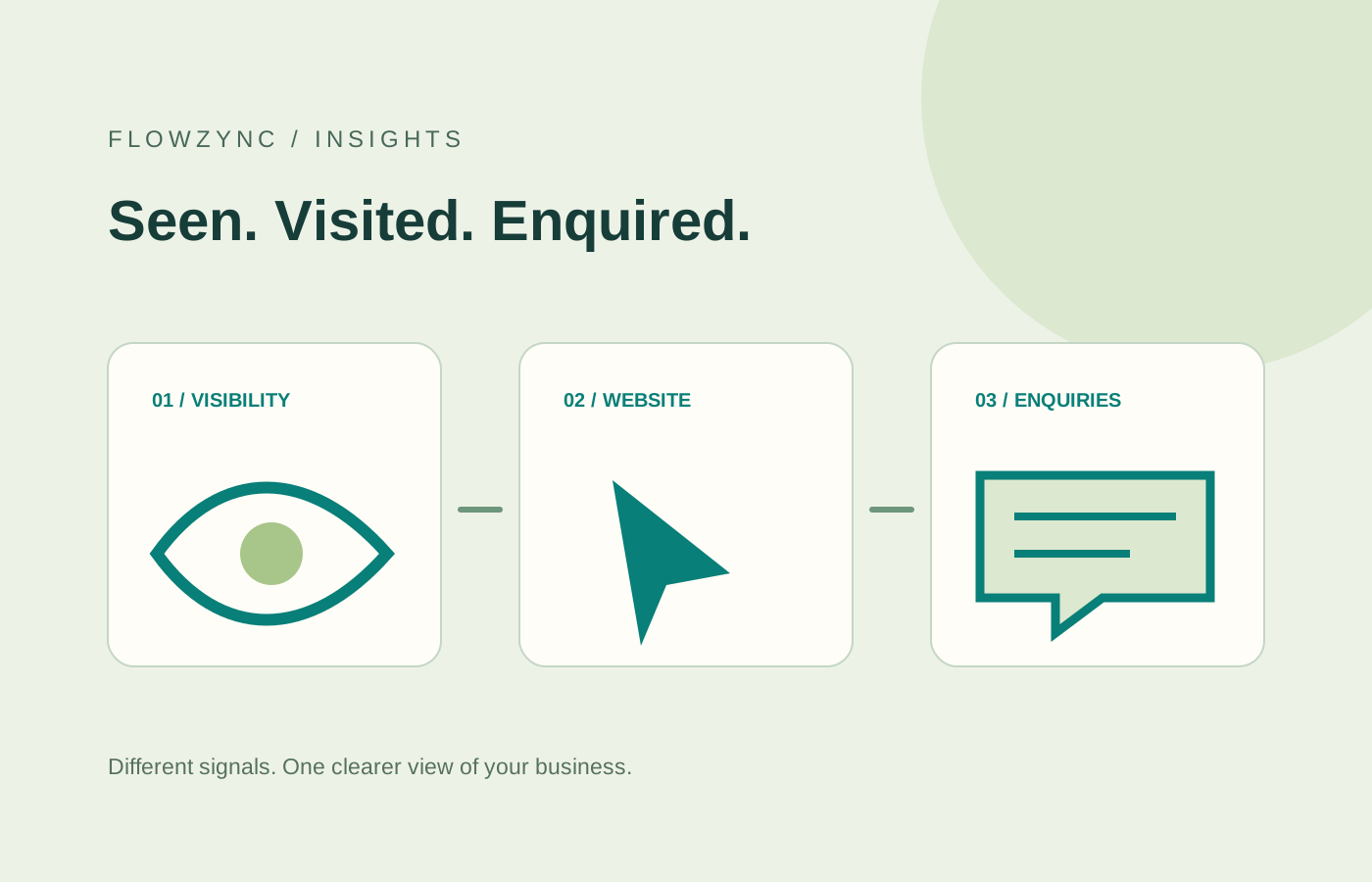
Keep separate records for:
| Measure | What it helps you understand | What it does not establish |
|---|---|---|
| Cited pages | Which pages AI answers reference | Whether someone clicked through |
| Referral visits | Whether visitors reached your website | Whether they were suitable customers |
| Qualified enquiries | Whether useful conversations started | Which single piece of content caused the whole journey |
For example, an explanation of care-agency CRM requirements might help a family-care provider assess a system. The next step should lead to a relevant service page or a useful conversation. A large number of unrelated citations would be a weaker business result.
The workflow below is Flowzync’s suggested approach, rather than a Microsoft ranking formula.
Start with an actual commercial priority: WordPress redesigns, care-agency follow-up, or online bookings, for example. Write down the audience, the problem and the next step you want a reader to take.
If you cannot make that connection for a suggested topic, leave it alone. An opportunity in a tool is not automatically an opportunity for your business.
Before writing anything, open the service page as a prospective customer. Does it explain who it is for, what is included, what the process looks like and how to enquire? Does it work on a phone? Is there a useful example of the work?
A page that attracts research interest but leaves the buying questions unanswered needs a clearer explanation before it needs more supporting articles. Our website design service starts with that customer journey.
Suppose your priority is a WordPress redesign. Questions about preserving existing rankings, editing content and choosing the right platform belong to the same buying journey. They can support one strong service page through a small set of focused guides.
Questions about a competitor’s brand, an unrelated market or a service you do not provide may be unsuitable even when a report shows activity. Assess relevance manually.
Add the explanation readers are missing. A real process example, a clear comparison or a checklist based on how you deliver the service can be more useful than another generic introduction.
Keep the page’s established URL when its purpose remains the same. Connect it to relevant services and related reading. Our website migration guide explains why changing URLs without planning can create avoidable search problems.
A simple change log is enough: the page, what improved, the date and the business question it now answers. This helps you interpret later movements without attributing every fluctuation to your latest edit.
Review citations, visits and enquiries over a sensible period. Small samples can move sharply; one week is rarely a useful basis for a major redesign decision.
Google’s guidance for AI features says a supporting page must be indexed and eligible for a search snippet. It does not require special AI schema or a new machine-readable file. Its recommendations include normal crawl access, useful internal links and structured data that matches the visible page.
In practice, check that important URLs return a successful response, identify the intended canonical page, appear in a maintained sitemap and have genuine internal links. A discovery notification or sitemap submission does not guarantee indexing.
If your pages are still waiting to be crawled, this new-website SEO guide is a better starting point than buying an “AI visibility” package with guaranteed results.
Continue with the customer questions you can verify through real enquiries and your existing service work. Check the technical foundations, make the most useful pages easy to reach, and publish only when you have something specific to add.
For help connecting those foundations, explore our SEO services or tell us about your website. The aim is a useful, understandable site that supports real customer decisions. A report can help you investigate progress; it cannot replace that work.
Product availability and report labels may change. The practical workflow above is editorial guidance, not a promise of search or AI placement.
It is a beta view within Bing Webmaster Tools’ AI Performance report. It groups grounding queries into topics to help website owners understand where their content appears and identify relevant opportunities.
Microsoft says the view depends on sufficient site presence and ecosystem activity. A smaller or newer website may not have enough data for the report to appear. That is not, by itself, evidence of a technical fault.
No. A citation is a reference to your content in an AI answer. Visits and enquiries must be measured separately through your website analytics and lead records.
Google says there is no special schema or additional technical requirement for AI Overviews or AI Mode. A page must be indexed and eligible to appear with a snippet, alongside the usual search requirements.
Build a practical website reporting dashboard that separates AI citations, search rankings, traffic and qualified leads—without confusing visibility with sales.

What structured data actually does, which types are worth adding to a small business site, and the rule that keeps it from causing a manual action.

The redirect map, the order of operations and the checks that keep traffic intact through a redesign, a platform change or a new domain.
Everything we write about, we build daily. Book a free call and let's apply it to your project.
Tell us about your project